

Download Imprint.
Free for individuals. No account, no sign-in.
Imprint runs on Mac, with Windows and Linux coming soon. Send yourself the link and open it on your Mac.
How to install
- 01
Open the download.
It’s the Imprint file in your Downloads folder.
- 02
Drag Imprint into Applications.
The window that opens shows both. Drag one onto the other.
- 03
Open Imprint.
The first time, macOS asks whether to open an app from the internet. Choose Open.
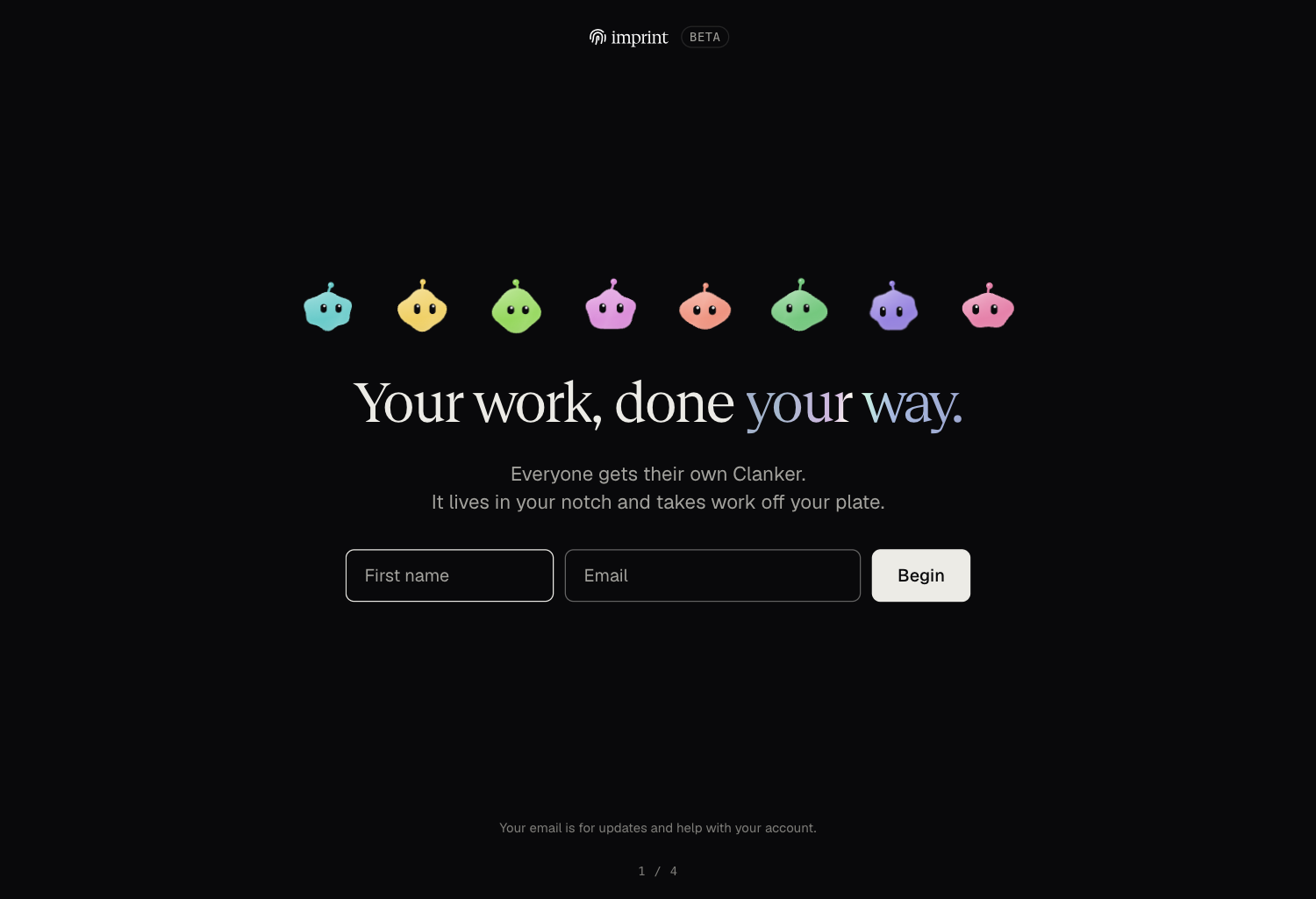
Then Imprint walks you through setup: which apps it may learn from and which agent your Clanker works through. To learn from your other apps, macOS asks you to allow Imprint under Accessibility. You can skip any of it and add it later. After that your Clanker sits in your Mac’s notch. Press ⌥C to ask it anything.
- Claude
- ChatGPT
- Gemini
- Hermes
- Oh My Pi
- Any MCP agent
What Imprint learns stays on your computer. You decide which agents may use it.